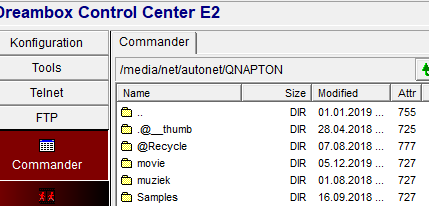
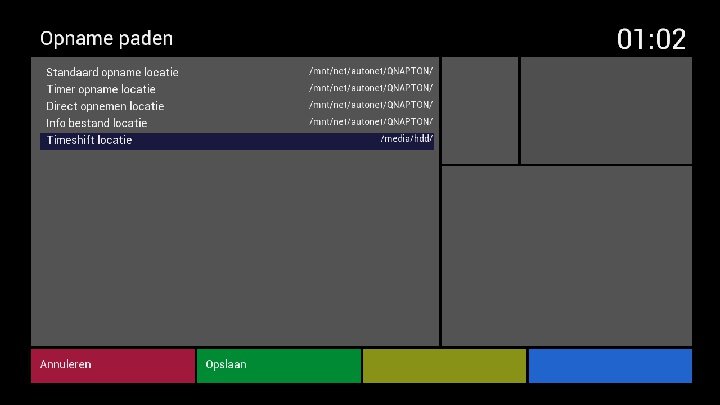
auto.network en opnamepad

################################################################## # DO NOT TOUCH THIS FILE - THE FILE IS CREATED AUTOMATICALLY !!! # ################################################################## QNAPTON -fstype=nfs,rw,nolock,tcp 192.168.178.100:/Multimedia

staat in mijn auto.network_vti bestand

root@vuzero4k:~# mount /dev/root on / type ext4 (rw,relatime,nodelalloc,data=journal) devtmpfs on /dev type devtmpfs (rw,relatime,size=653192k,nr\_inodes=59077,mode=7 5) proc on /proc type proc (rw,relatime) sysfs on /sys type sysfs (rw,relatime) debugfs on /sys/kernel/debug type debugfs (rw,relatime) tmpfs on /run type tmpfs (rw,nosuid,nodev,mode=755) tmpfs on /var/volatile type tmpfs (rw,relatime) devpts on /dev/pts type devpts (rw,relatime,gid=5,mode=620) /etc/auto.hotplug on /autofs type autofs (rw,relatime,fd=5,pgrp=990,timeout=5,m nproto=5,maxproto=5,indirect) /etc/auto.network\_vti on /media/net/autonet type autofs (rw,relatime,fd=16,pgrp 990,timeout=5,minproto=5,maxproto=5,indirect) 

dit is de uitgave van mount

wat is nu het pad van de opnames???

deze uit de auto.network => 192.168.178.100:/Multimedia???
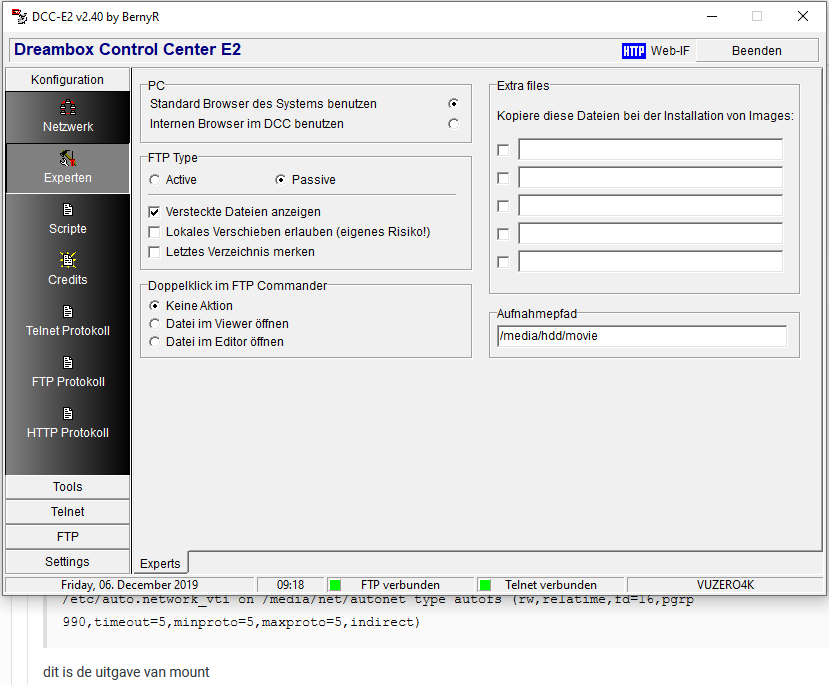
ah, ik heb hem al gevonden

/media/net/autonet/QNAPTON

thanks

maar vreemd genoeg kan ik nog steeds niet de timeshift wijzigen naar dat pad!!!

aha, ook al opgelost…

als je op die opname locatie voor timeshift staat met de cursor

dan moet je met oké klikken en kunt middels channel-up naar het bovenliggende pad en dan verder browsen

(was ik vergeten)

thank you

nog even, terugkomende op de nieuwe images met een hogere samba versie aan boord

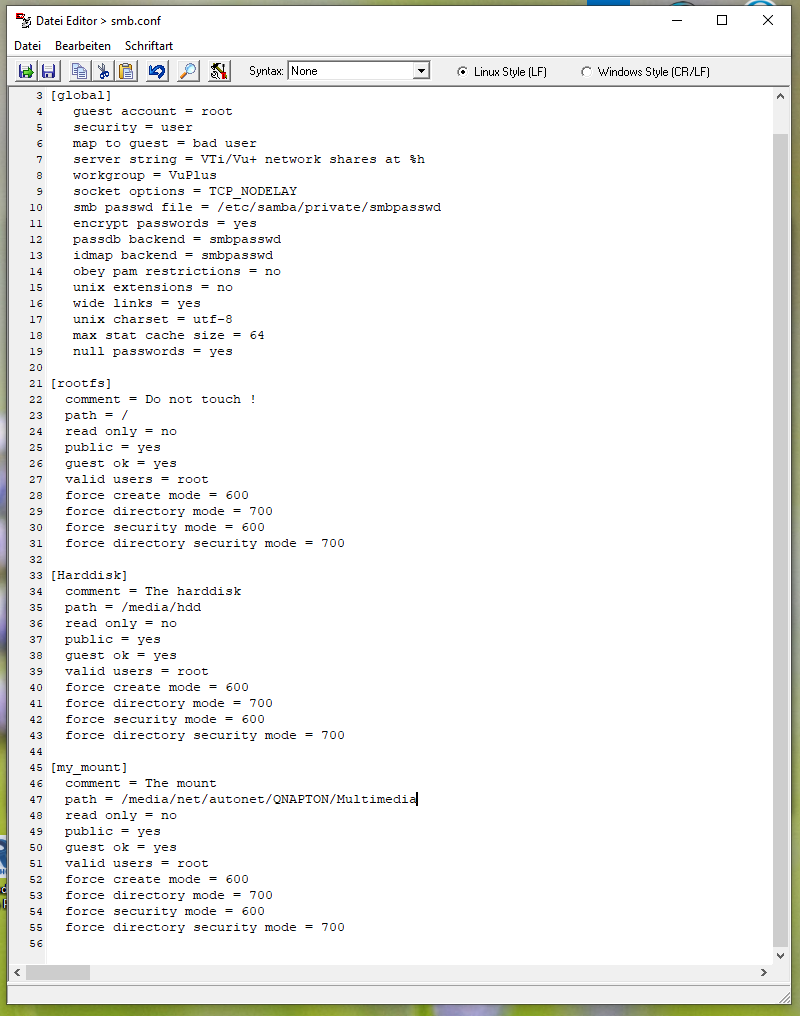
ik maak die mount ook zichtbaar door dit in het bestand etc/samba/smb.conf te schrijven (laatste sectie my_mount )

vooraf was dit hierboven in mijn windows netwerk zichtbaar

daarna dit

als je op alle netwerk apparaten delen per samba / cifs hebt ingesteld kun je die ook allemaal zien in je netwerkomgeving in de explorer van wndows

en daarbij helpt het om de windows/system32/drivers/etc/hosts aan te passen

dat kan door dit bestand als administrator te bewerken met notepad

# Copyright (c) 1993-2009 Microsoft Corp. # # This is a sample HOSTS file used by Microsoft TCP/IP for Windows. # # This file contains the mappings of IP addresses to host names. Each # entry should be kept on an individual line. The IP address should # be placed in the first column followed by the corresponding host name. # The IP address and the host name should be separated by at least one # space. # # Additionally, comments (such as these) may be inserted on individual # lines or following the machine name denoted by a '#' symbol. # # For example: # # 102.54.94.97 rhino.acme.com # source server # 38.25.63.10 x.acme.com # x client host # localhost name resolution is handled within DNS itself. # 127.0.0.1 localhost # ::1 localhost 192.168.178.100 QNAPTON 192.168.178.13 VUZERO4K 192.168.178.103 DENON 192.168.178.34 HPSLICE

nog maar een keer voor die het in windows willen aanpassen als administrator